What Is a UX Audit and What Does It Include?
Not sure what a UX audit actually is or what it covers? Get a plain, clear breakdown of what’s included and whether your website needs one.
The Honello TeamUpdated 8 min read
If you’ve been hearing the term “UX audit” thrown around and you’re not entirely sure what it means or whether it’s something your website actually needs, you’re in good company. It sounds technical, maybe even a little intimidating. But the core idea is surprisingly straightforward, and once you understand what a UX audit actually covers, it’s pretty easy to figure out whether commissioning one makes sense for you.
What is a UX audit, in plain terms?
A UX audit is a structured review of your website or digital product that evaluates how easy and intuitive it is for visitors to use. UX stands for user experience, which is basically everything a person thinks, feels, and does while interacting with your site. An audit takes a hard look at whether that experience is working in your favor or quietly costing you customers.
Think of it like a health checkup for your website. A doctor doesn’t just ask how you feel. They check your vitals, run some tests, and look at things you might not notice on your own. A UX audit does the same thing. It goes beyond gut feelings and looks at specific, measurable elements of your site to figure out what’s helping visitors and what’s getting in their way.
What does a UX audit actually include?
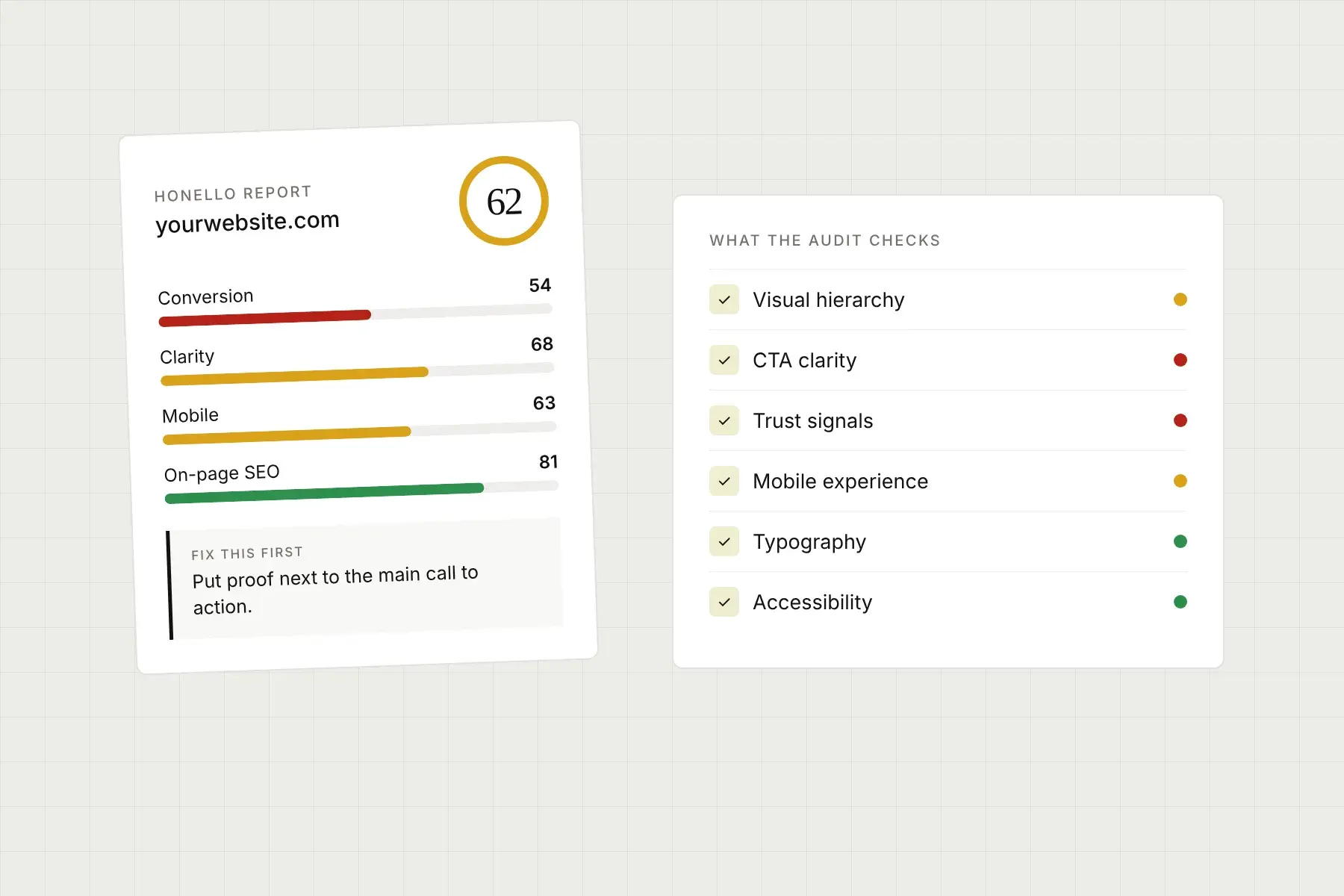
This is where things get specific, and it’s worth understanding because the scope of a UX audit can vary a lot depending on who’s doing it and what tools or methods they’re using. Most audits cover some combination of the following areas.
Visual hierarchy and layout
Visual hierarchy is about whether your page guides a visitor’s eye in the right direction. Do they immediately understand what your site is about? Do they know where to look first, second, and third? A good audit checks whether your most important content is positioned and styled in a way that draws attention, or whether the layout accidentally buries it.
Call to action effectiveness
Your calls to action, the buttons and links that ask visitors to do something like sign up, buy, or contact you, are some of the most critical elements on any page. An audit examines whether they’re visible, whether the language is clear and motivating, and whether they’re placed at the moments when a visitor is most likely to act. A weak or confusing CTA is one of the most common and most fixable reasons websites underperform.
Trust signals
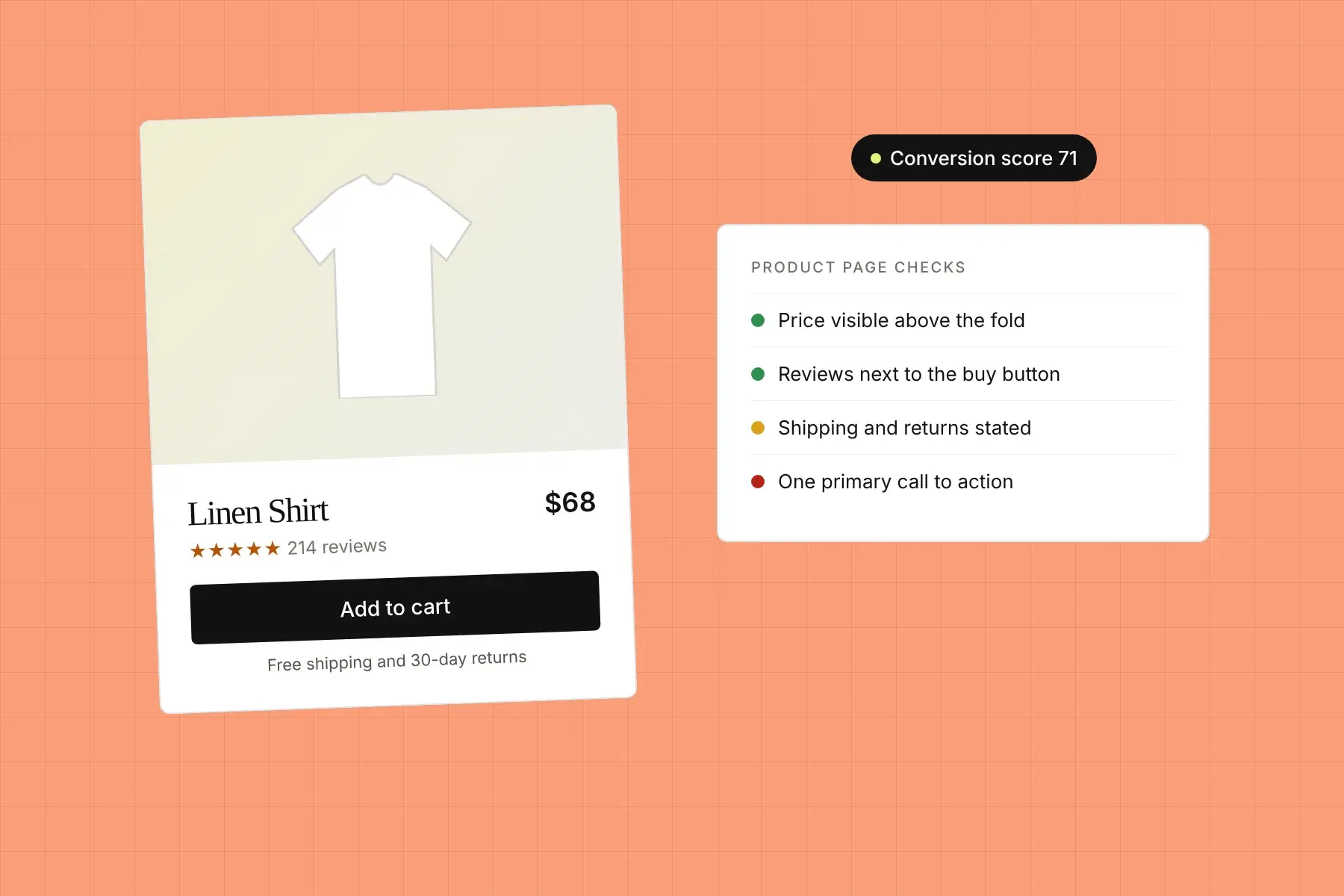
People make split-second decisions about whether to trust a website. Trust signals are the elements that tip that decision in your favor: things like testimonials, review counts, security badges, professional photography, clear contact information, and recognizable certifications. A UX audit evaluates whether your site is doing enough to reassure a visitor who has never heard of you before, because for most websites, that’s exactly who’s showing up.
First impression and clarity
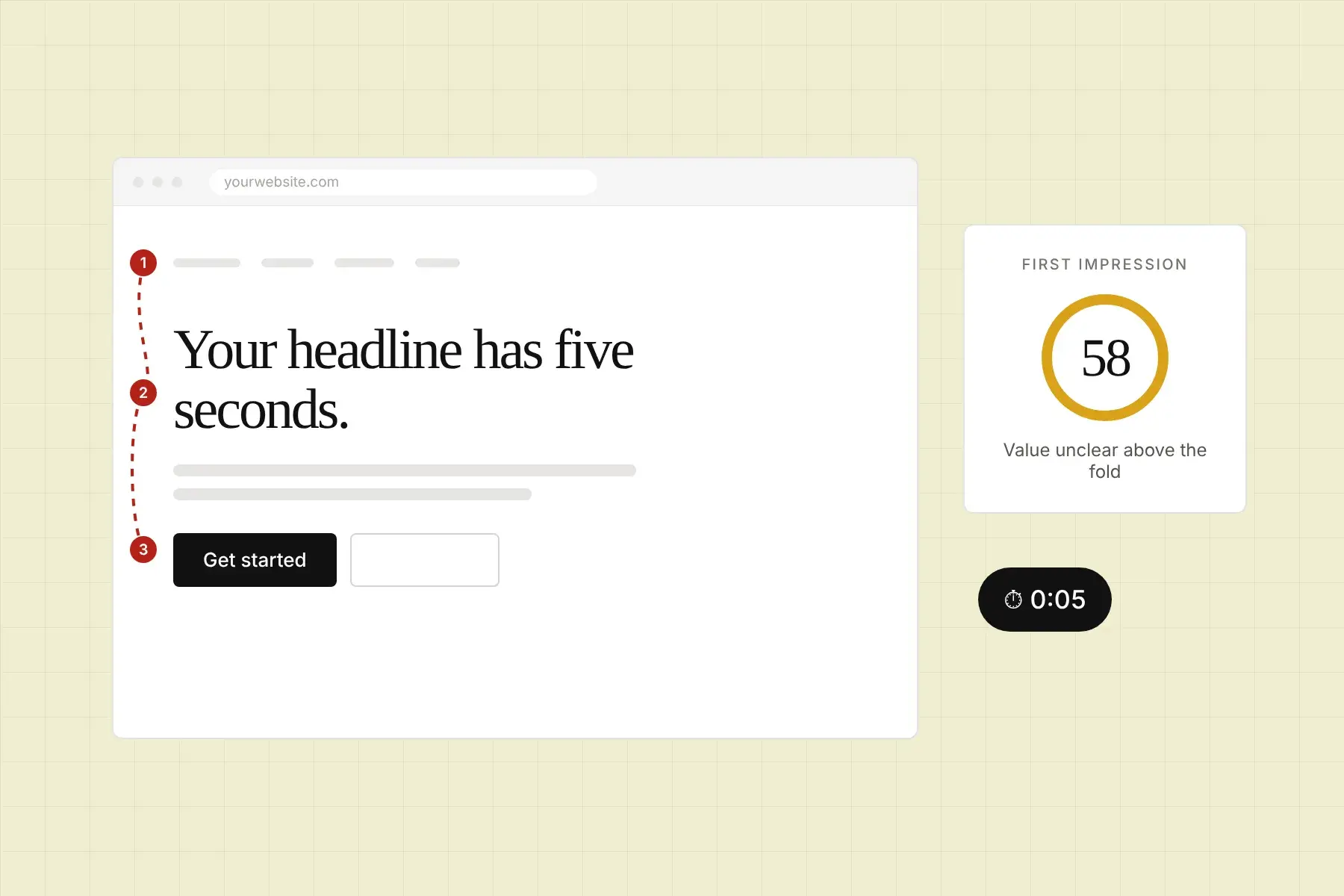
Research consistently shows that visitors form an opinion about a website within a few seconds of landing on it. An audit looks at what a brand new visitor actually sees and experiences in those first moments. Is your value proposition immediately clear? Is the page visually appealing and professional? Does it feel relevant to why they came? These questions matter more than most people realize.
Navigation and information architecture
Can people find what they’re looking for without getting frustrated or confused? Navigation audits look at your menu structure, internal linking, page labeling, and the overall logic of how your content is organized. Poor navigation is one of the top reasons people abandon websites, and it’s often invisible to the business owner who knows the site inside and out.
Mobile experience
In 2026, more than half of all web traffic comes from mobile devices. That means if your mobile experience is clunky, slow, or hard to interact with, you’re losing a significant chunk of potential customers before they ever get a chance to care about what you offer. A thorough UX audit looks at the mobile version of your site as its own distinct experience, not just a shrunken version of the desktop layout.
Page performance and load time
Speed is part of UX. A page that takes four seconds to load on a phone will lose a massive portion of visitors before they even see your content. Many audits include a performance check that flags slow-loading elements, unoptimized images, or other technical issues that hurt the experience for real users.
Accessibility
Accessibility refers to how usable your site is for people with disabilities, including those using screen readers, keyboard navigation, or other assistive technologies. Beyond being the right thing to do, accessibility issues can also affect your search rankings and expose you to legal risk in some regions. A good audit will surface the most impactful accessibility gaps.
How is a UX audit different from a website redesign?
This is a really common point of confusion. A UX audit is a diagnostic process, not a construction project. It tells you what’s wrong and what to prioritize, but it doesn’t automatically rebuild your site. Think of it as the blueprint that informs smart decisions, whether that means a full redesign, targeted updates to a few key pages, or simply tweaking the wording on your homepage CTA. The audit comes first. The work follows.
Some businesses use audit findings to justify a redesign proposal to leadership or stakeholders. Others use them to get a quick list of fixes they can ship without touching the rest of the site. Both are completely valid approaches, and the right one depends on your situation.
What methods do UX auditors use?
Traditional UX audits are done by human experts, often UX designers or researchers, who review your site manually using established heuristics. Heuristic evaluation is a method where an expert checks your site against a set of known usability principles, like Nielsen’s 10 usability heuristics, and documents where your site falls short.
More recently, AI-powered audit tools have made this kind of analysis much faster and more accessible. Instead of waiting weeks for a consultant to write up a report, you can submit a URL and get a scored, prioritized breakdown of your site’s UX in minutes. Tools like these evaluate your desktop and mobile experience across multiple dimensions simultaneously, from visual hierarchy and CTA placement to trust signals and first impression clarity, and they deliver findings in a format that’s actually actionable rather than a 80 page document no one reads.
For businesses that need fast answers, this approach is a game-changer. Honello, for example, lets you paste in any URL and get a full scored analysis across more than 10 UX dimensions with zero installs or setup required. It captures what your actual visitors see, benchmarks it against real design principles, and gives you a ranked list of findings starting with the single highest-impact fix. That means your team knows exactly where to start, whether you’re an ecommerce brand dealing with cart abandonment, a SaaS company trying to improve trial signups, or a local service business that needs to build trust fast with new visitors.
Who should commission a UX audit?
Honestly, if your website plays any meaningful role in your business, a UX audit is worth considering. But there are some situations where it becomes especially valuable.
- You’re getting traffic but your conversion rate is disappointing
- You’re about to invest in a redesign and want data to guide it
- You’ve made a lot of changes over time and things feel inconsistent
- You’re launching a new product or service and want the page to perform from day one
- You’re running paid ads and want to make sure your landing pages aren’t wasting your spend
- You’re an agency that needs a fast, credible way to show clients where their site is falling short
If any of those sound familiar, a UX audit is probably overdue. The good news is that getting one doesn’t have to mean a multi-week engagement or a big consulting bill. The tools available today make it genuinely fast and accessible, even for lean teams and solo founders.
How long does a UX audit take and what does it cost?
That depends on the method. A traditional expert-led audit can take anywhere from a few days to several weeks, and it can cost thousands of dollars depending on the scope and the seniority of the person doing the work. For big redesigns or enterprise products, that investment can absolutely make sense.
For most small to mid-sized businesses, though, an AI-powered audit delivers most of the diagnostic value in a fraction of the time and cost. You get scored findings, prioritized recommendations, and specific elements flagged for attention, all without scheduling calls or waiting for a deliverable. Honello’s platform is built exactly for this use case, giving you expert-level UX insight on demand so you can move fast and fix the right things first. You can explore what’s included at honello.com/pricing or jump straight in at honello.com/sign-up.
What should you do with UX audit findings?
A good audit doesn’t just hand you a list of problems. It helps you understand which ones matter most and what to do about them. The best audits separate quick wins, fixes that are easy to implement and likely to have immediate impact, from deeper strategic improvements that require more planning and resources.
The key is to actually use the findings. That means translating them into specific tasks, assigning them to the right people, and tracking the impact after changes are made. An audit is only as valuable as the action it inspires. Done right, it’s not a one-time exercise but the start of an ongoing process of improving your site based on evidence rather than guesswork.
Now that you know what a UX audit covers and what to expect from one, the next step is running one on your own site. Honello makes it simple: paste in your URL, get a full scored analysis across more than 10 UX dimensions in minutes, and walk away with a clear, prioritized list of exactly what to fix. No installs, no consultants, no lengthy timelines. Just honest, actionable feedback starting with the single change that will make the biggest difference. Whether you’re running an ecommerce store, a SaaS product, a local service business, or a client’s website, Honello gives you the clarity to stop guessing and start improving. Head to honello.com/sign-up to get started for free today.
See what your visitors see.
Run a free scan and get a prioritized list of conversion, SEO, and UX fixes for your site in under 5 minutes.